Microsoft dynamics integration
How does Microsoft Dynamics 365 Sales integrate with Business Central?
Dynamics 365 Sales integrates with Business Central by connecting CRM and ERP data, allowing sales and finance teams to share customers, contacts, orders, and financial information in real time, improving accuracy, visibility, and workflow efficiency.
→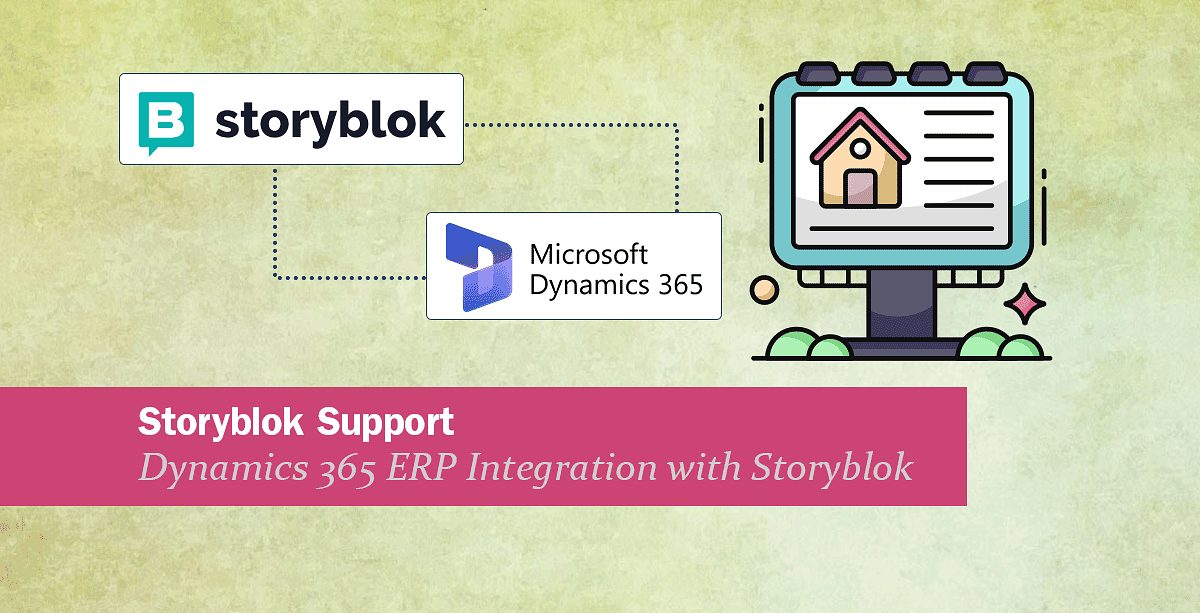
Storyblok Support: Dynamics 365 ERP integration with Storyblok
We are happy to inform you that we have added Storyblok support to our collection of supported endpoints. This means you can now, for example, send data from Dynamics 365 ERP (and other systems) into Storyblok and back via Rapidi.
→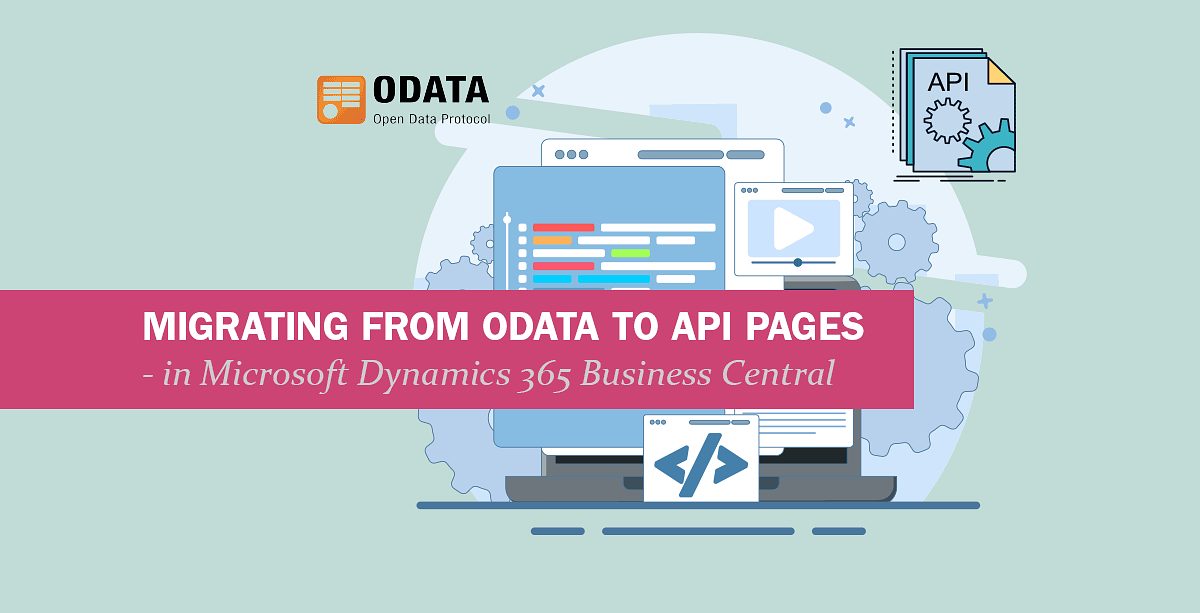
How to migrate OData to API Pages in Dynamics 365 Business Central
You have probably already heard the announcement that Microsoft is gradually deprecating the ability to expose UI pages as OData (and SOAP) endpoints. Instead, you will need to use API Pages. This deprecation is part of a multi-year modernization strategy to standardize integrations around API pages and Query APIs, which are purpose-built for programmatic access.
→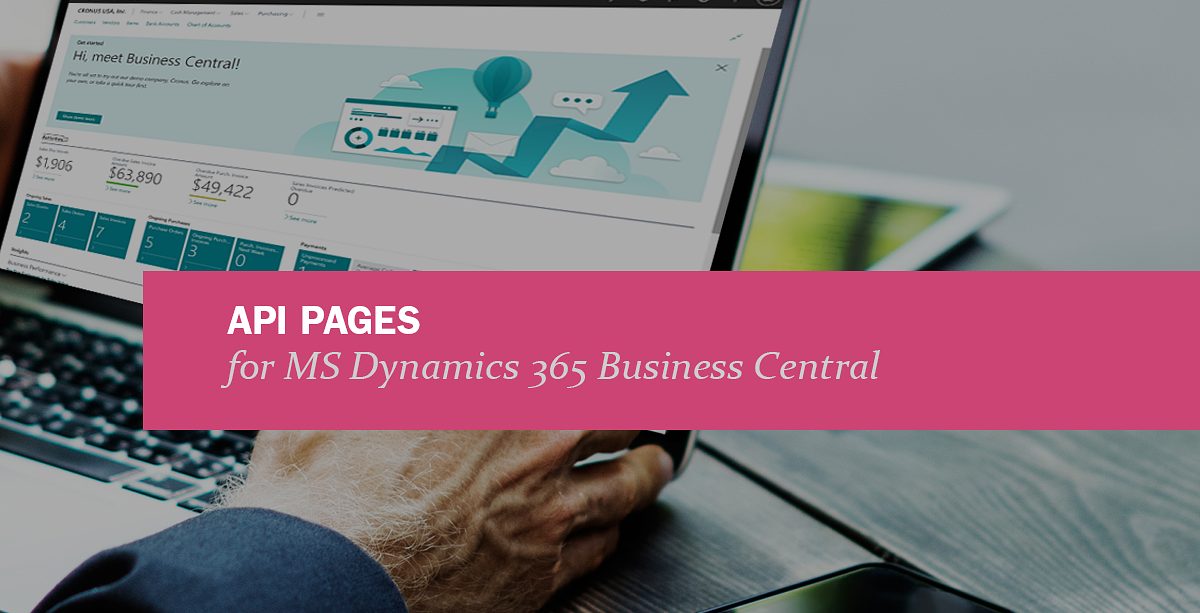
What are API Pages in Microsoft Dynamics 365 Business Central?
Microsoft Dynamics 365 Business Central provides a robust API framework that allows seamless integration with other systems and applications. Reading data from API pages in Business Central is a common requirement for businesses looking to automate processes, consolidate data, or connect Business Central with third-party applications. This article provides an in-depth guide to understanding and working with API pages in Business Central.
→
HubSpot - MS Dynamics 365 Business Central Integration
Are you looking to integrate HubSpot CRM with Microsoft Dynamics 365 ERP (Business Central, Finance)? Then we have the solution for you.
→
1 Step Upgrade from Dynamics NAV to Dynamics 365 Business Central
Upgrading from older versions of Microsoft Dynamics NAV to the latest Dynamics 365 Business Central can be daunting, especially if you need to jump several versions all at once, migrate large volumes of data, or accommodate custom objects.
→
MS Dynamics GP end of life - what about integration? Rapidi can help!
As you maybe already know, since April 2023, Microsoft announced that Dynamics Great Plains (Dynamics GP) sales will end in 2026 and the support will end in 2028.
→
How to connect to MS Dynamics 365 CRM OData with OAuth2
To connect to MS Dynamics 365 CRM OData with OAuth2, register an application in Azure AD, get the Application ID and Client Secret, set up an application user in your CRM environment, and configure the connection in Rapidi using OAuth2 and your CRM URL.
→
Microsoft Dynamics 365 Business Central - Salesforce Standard Integration
We are pleased to announce that we offer a standard solution for integrating Salesforce.com and Microsoft Dynamics 365 Business Central
→
Microsoft Dynamics 365 OData Connections
We are happy to announce that we now support OData V4 for integration with Microsoft Dynamics 365 Business Central and Microsoft Dynamics 365 for Finance and Operations. Older versions of Microsoft Dynamics are also supported - for example Microsoft Dynamics NAV 2016 and 2017.
→
Microsoft Dynamics AX 2012 Web Service Updates (3.2.93a)
I am happy to announce a major update to our support for Microsoft Dynamics AX web services. This mainly covers Microsoft Dynamics AX 2012 R1, R2 and R3 (but also some changes for Microsoft Dynamics AX 2009).
→
Now Supporting Microsoft Dynamics NAV 2016 (3.2.92z)
We are happy to announce that we now have full support for Microsoft Dynamics NAV 2016.
→