
Feature Highlight: How to Send Schedule Notifications to Slack
Schedule Monitor has always told you when an integration schedule fails to run on time. Until now it could only tell you by email. You can now point it at a Slack channel as well, so a failed schedule shows up where your team is already working.
→
Open Office Hours Season 1: Session 15 - Rapidi MCP Server
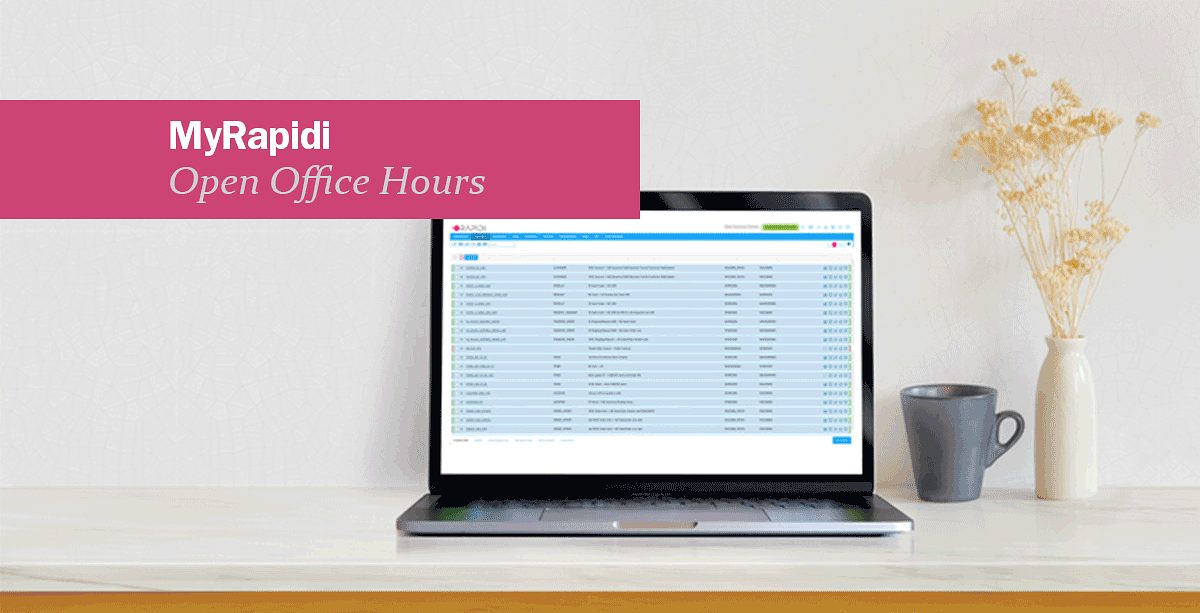
Last week we looked at Albert, the AI assistant that lives inside MyRapidi. This week we walked through the next layer: the Rapidi MCP Server. It is the bridge that lets external AI tools like Claude reach the same context Albert has, so you can troubleshoot, configure, and run your integrations from whichever AI tool you already use.
→
Open Office Hours Season 1: Session 14 - Albert AI Agent
Last week we introduced AI in MyRapidi at a high level. This week we go one layer deeper into Albert, the AI assistant that lives inside the platform. Albert is not a bolt-on chatbot. He has direct access to your service, your documentation, and your transfer history, and he is built to help you actually get work done, from troubleshooting an error to creating a new connection or pulling a list of transfers in a specific status.
→
Open Office Hours Season 1: Session 13 - AI in MyRapidi: An Overview
Integration platforms used to be about pipes and plumbing. You connected systems, mapped fields, scheduled syncs, and watched logs. AI is changing that. The question is no longer just "how do I move this data?" but "what should the platform do for me automatically?"
→
Open Office Hours Season 1: Session 12 - Tags & Reusability
You have three subsidiaries running the same ERP. Each one needs the same Salesforce integration - same fields, same logic, same schedule. Do you really need three separate sets of transfers?
→
Open Office Hours Season 1: Session 11 - Triggers and Near-Real-Time Patterns
Your ERP has just updated a price list. Your sales team is quoting from Salesforce. How fast does that change need to reach them - and what happens if the sync fires at the wrong moment?
→
Open Office Hours Season 1: Session 10 - Scheduling: Automate Your Sync the Smart Way
When you have data flowing between two systems, getting the timing right is just as important as getting the data mapping right. In Rapidi, scheduling controls when and how your transfers run — including how often, in what order, and what happens when runs overlap.
→
Open Office Hours Season 1: Session 9 - Link Storage Deep Dive
When you sync records between two systems, there has to be something that remembers which record in the source matches which record in the destination. In Rapidi, that something is called a Link Storage. It stores the primary key pairs between your systems so that transfers know whether to create a new record or update an existing one.
→
Open Office Hours Season 1: Session 8 - Logs & Runs: Your Troubleshooting Toolkit
When your integration throws an error, the first question is always the same: where do I look? In MyRapidi, logs and runs give you that answer. They show exactly what happened, which transfer caused it, how long it took, and what the error message says. Once you know how to read them, troubleshooting becomes a lot faster.
→
Open Office Hours Season 1: Session 6 - Timestamps & RTI
When Rapidi runs a transfer, it doesn't pull all your data every time. It only pulls what changed since the last run. That keeps your source systems from getting hammered with unnecessary queries. But how does it actually know what changed? The answer is two things working together: source control fields and the RTI.
→

Feature Highlight: How to Use Groups to Organize Transfers
This week's topic in our 'Features Highlights' video series - in which we will explain a feature on the MyRapidi platform in more depth will be about the Groups in MyRapidi. Andreea Arseni, Data Integration Consultant here at Rapidi, will explain how to set up Groups in the video below.
→
What Are Open Office Hours? Season 1: Session 2 - Rapidi Transfer Design 101
On January 15, 2026, we launched our Open Office Hours series. These live training sessions run from January through April and cover everything from basic setup to advanced configuration. All Rapidi customers can join live or watch the recordings.
→
What are Open Office Hours? Season 1: Session 1 – MyRapidi Walkthrough
Starting January 15, 2026, we're launching 12 free weekly training sessions designed to help you get more confident and capable with your Rapidi integration.
→
Introducting Open Office Hours Season 1: 14 Weeks of Free Integration Training
Starting January 15, 2026, we're launching 14 free weekly training sessions designed to help you get more confident and capable with your Rapidi integration.
→
BigQuery Support: BigQuery integration with Salesforce
We are happy to inform you that we have added support for Google BigQuery to our list of supported endpoints. This means you can now, for example, send data from Google BigQuery into Salesforce (or any other system) and back via Rapidi.
→
Storyblok Support: Dynamics 365 ERP integration with Storyblok
We are happy to inform you that we have added Storyblok support to our collection of supported endpoints. This means you can now, for example, send data from Dynamics 365 ERP (and other systems) into Storyblok and back via Rapidi.
→
How to migrate OData to API Pages in Dynamics 365 Business Central
You have probably already heard the announcement that Microsoft is gradually deprecating the ability to expose UI pages as OData (and SOAP) endpoints. Instead, you will need to use API Pages. This deprecation is part of a multi-year modernization strategy to standardize integrations around API pages and Query APIs, which are purpose-built for programmatic access.
→
What are API Pages in Microsoft Dynamics 365 Business Central?
Microsoft Dynamics 365 Business Central provides a robust API framework that allows seamless integration with other systems and applications. Reading data from API pages in Business Central is a common requirement for businesses looking to automate processes, consolidate data, or connect Business Central with third-party applications. This article provides an in-depth guide to understanding and working with API pages in Business Central.
→
Feature Highlight: How To Set Up Transfers
This week's topic in our 'Features Highlights' video series - in which we will explain a feature on the MyRapidi platform in more depth will be about the Transfers in MyRapidi. Andreea Arseni, Data Integration Consultant here at Rapidi, will explain how to set up Transfers in the video below.
→
Salesforce Security Updates 2025: Crucial Steps for Rapidi Customers
Salesforce is rolling out new security measures that will impact how all integrations, including those with Rapidi, connect to Salesforce. These changes will take effect on August 28, 2025, for new Salesforce organizations, and in early September 2025 for existing ones. If you use Rapidi to connect Salesforce with other systems, you need to act now to avoid disruption.
→
Real-Time Sync with Salesforce: Instantly Update Your ERP via Rapidi
When working with CRM and ERP integrations, timing is everything. The ability to sync any changes instantly between Salesforce and your ERP system ensures that your teams work with the most accurate and up-to-date information—whether it’s a new customer record, a quote update, or a closed opportunity.
→
DLRS & Rapidi: Accurate Financial Summaries in Salesforce
Many companies struggle to get good insights from their Salesforce data. Standard reports and roll-ups don’t always give you what you need, especially if you don’t want to write code. Declarative Lookup Roll-Up Summaries (DLRS) is a free tool that helps you summarize data in Salesforce, even when objects are connected by lookup relationships instead of master-detail relationships.
→
Feature Highlight: How to set up a Link Storages
This week's topic in our 'Features Highlights' video series - in which we will explain a feature on the MyRapidi platform in more depth will be about the Link Storages in MyRapidi. Andreea Arseni, Data Integration Consultant here at Rapidi, will explain how to set up Link Storages in the video below.
→
Support for Attachment to from Dynamics 365 Finance (read or write)
We’re excited to announce that we support bidirectional attachment transfers with Microsoft Dynamics 365 Finance!
→
How Does Salesforce Multi‑Factor Authentication Affect Integrations?
Salesforce Multi‑Factor Authentication (MFA) affects integrations by requiring an additional verification step for any interactive login.
→
1 Step Upgrade from Dynamics NAV to Dynamics 365 Business Central
Upgrading from older versions of Microsoft Dynamics NAV to the latest Dynamics 365 Business Central can be daunting, especially if you need to jump several versions all at once, migrate large volumes of data, or accommodate custom objects.
→
Feature Highlight: How to set up a Schedule
This week's topic in our 'Features Highlights' video series - in which we will explain a feature on the MyRapidi platform in more depth will be about the Schedules in MyRapidi. Andreea Arseni, Data Integration Consultant here at Rapidi, will explain how to set up a Schedule in the video below.
→
Feature Highlight: How to use RTI
This week we are launching our 'Features Highlights' video series - in which we will explain a feature on the MyRapidi platform in more depth. This week's topic will be about the RTI feature in MyRapidi. What are RTIs? And how do you work with them? Andreea, Data Integration Consultant here at Rapidi, will explain all this in this video below.
→
Support for Attachment to from Dynamics 365 Sales (read or write)
We are pleased to inform you that we support the transfer of attachments to from Dynamics 365 Sales - both read and write.
→
Support for Attachment to from Dynamics 365 Business Central
We are please to inform you that we support transfer of attachments to from Dynamics 365 BC - both read and write.
→
How to set up the Salesforce Integration User
The Salesforce Integration User License provides a dedicated, API-focused account for system-to-system integrations. To set it up, create a new user in Salesforce, assign the Integration User License, and use it for API-only access to your integrations. This ensures secure, reliable, and cost-effective connections without relying on regular interactive accounts.
→