Dynamics 365 Business Central integration

What is API Integration and how does It work?
API integration is the process of connecting different software applications through their APIs so they can exchange data and work together.
→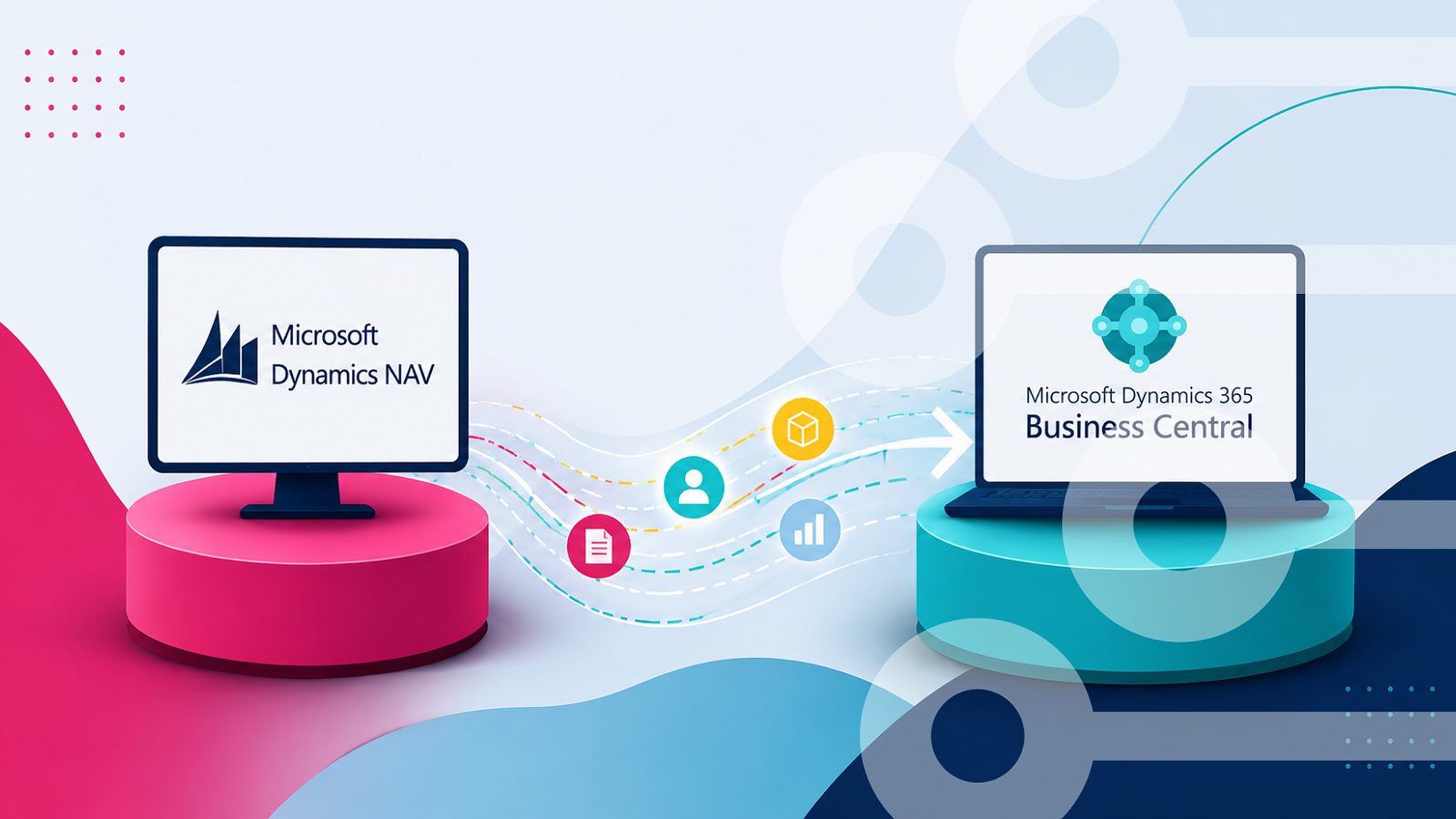
Migrating from Dynamics NAV to Business Central: What will happen with the integration
Moving from Dynamics NAV to Business Central does not automatically mean rebuilding your integration, and what happens depends on how it was built. Depending on the setup, the integration may need to be rebuilt, reconfigured, or adapted. This blog shares a six-step migration guide to help you move to Business Central without putting your business at risk.
→
Integrate Salesforce & Dynamics 365 ERP in 3 Steps
Connecting Salesforce with Microsoft Dynamics 365 ERP can transform how your teams work -breaking down silos, eliminating double data entry, and giving everyone access to the same up-to-date information. But where do you start?
→![How Rapidi Helped Educate 360 Scale Business Automation [Case Story]](/sa/wzdqr4migsrdb0ntjdskbteclr5q/educate-case-story-blog.jpeg)
How Rapidi Helped Educate 360 Scale Business Automation [Case Story]
Educate 360 runs five professional training brands across multiple countries. The company uses Salesforce for sales and customer management and Microsoft Dynamics 365 Business Central for accounting. Before Rapidi, custom APIs connected these systems. Those APIs broke down under high transaction volumes, forced staff to enter data manually, and created inconsistencies across departments.
→
Hubspot + Microsoft Dynamics 365 ERP Integration Guide
Businesses that, e.g., use HubSpot to manage their customer relationships and marketing, but then also use an ERP system (such as e.g., Microsoft Dynamics 365 Business Central, Finance, etc.) for their finance operations, experience a lack of cohesion in their data, needing to update their data manually, as those two systems are not connected. This converts into inefficiency in their business processes and missed opportunities.
→
Step-by-Step Guide: Salesforce to Dynamics 365 Integration
Some data integration projects can be complex and even become a complete mess if not managed properly and efficiently. Often, the success of a data integration project (for example a Salesforce ERP integration) starts with the quality of your data. It is recommended to do a thorough data clean up before getting started. This way, your integration project will not solve your data quality issues, it will only make them more visible. When data quality is in place, you can easily avoid troubles by following a structured approach. A good way to is start by defining the touch points and data integration routes you want to support.
→
Why Integrate HubSpot and MS Dynamics 365 Business Central?
If you use HubSpot and Dynamics 365 Business Central, there are many benefits to integrating the two systems: you keep data consistent, improve collaboration between sales and finance, and get a complete view of customers for better decision-making.
→
Choose your Salesforce Dynamics 365 BC Integration Solution
Many Salesforce integration tools can help you integrate your Salesforce CRM with your ERP solution. Some offer a broad data integration platform that lets you integrate with a wealth of other solutions.
→
How to connect Microsoft Dynamics 365 Sales with Business Central
Integration is the key to unlocking seamless operations and enhanced productivity. Microsoft Dynamics 365 ERP and Dynamics 365 Sales are powerful tools on their own, but they are not integrated by default. This is where Rapidi can help you integrate those systems and, when integrated, revolutionise the way businesses manage their operations and customer relationships. Rapidi, a no-code integration solution, simplifies this process, making it accessible to businesses of all sizes.
→
Microsoft Dynamics 365 Business Central & Dynamics 365 Sales Integration
Are you contemplating a switch from Salesforce to Microsoft Dynamics 365 Sales or simply looking to integrate Dynamics 365 Business Central with Microsoft Dynamics 365 Sales?
→